
Fix Google Chrome Update (error: 7) Egads! Installation Failed

Software Architecture, DevOps & System Design
When you try to manually update Google Chrome, it may sometime throw error messages similar to one I encountered today.
Update failed (error: 7)An error occurred while checking for updates: Egads! Installation failed. Please try again. Error code = 0x00000000
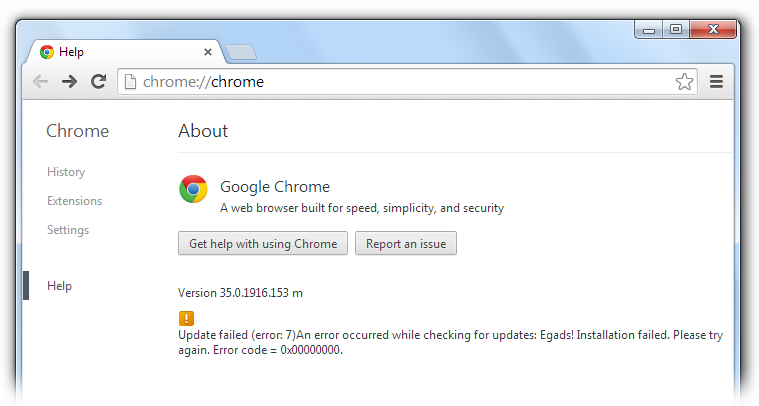
The error indicates that the update for newer version was downloaded successfully, but it failed to install. Follow these simple steps to resolve the issue.
Step 1: Restart your browser and check for it. For me, the problem resolved in first step itself.
Step 2: If it doesn't works for you, restart the computer. Open task manager and go to Processes tab.
Step 3: Look for GoogleUpdate.exe and GoogleUpdateOnDemand.exe. Kill these task if running. (To kill a process, right click on the process and click on End Process)
Step 4: Open the Chrome browser and try updating it again from Menu -> About. It should go well.
In case everything fails for you, only one remedy is to reinstall the browser.

Sandeep Kumar
Founder & Software Architect | Author of “The Operational State Control Plane”
Electronics engineer, software architect, and author of The Operational State Control Plane. Specializing in system design, distributed resilience, and building scalable tech solutions with real-world engineering insights.